
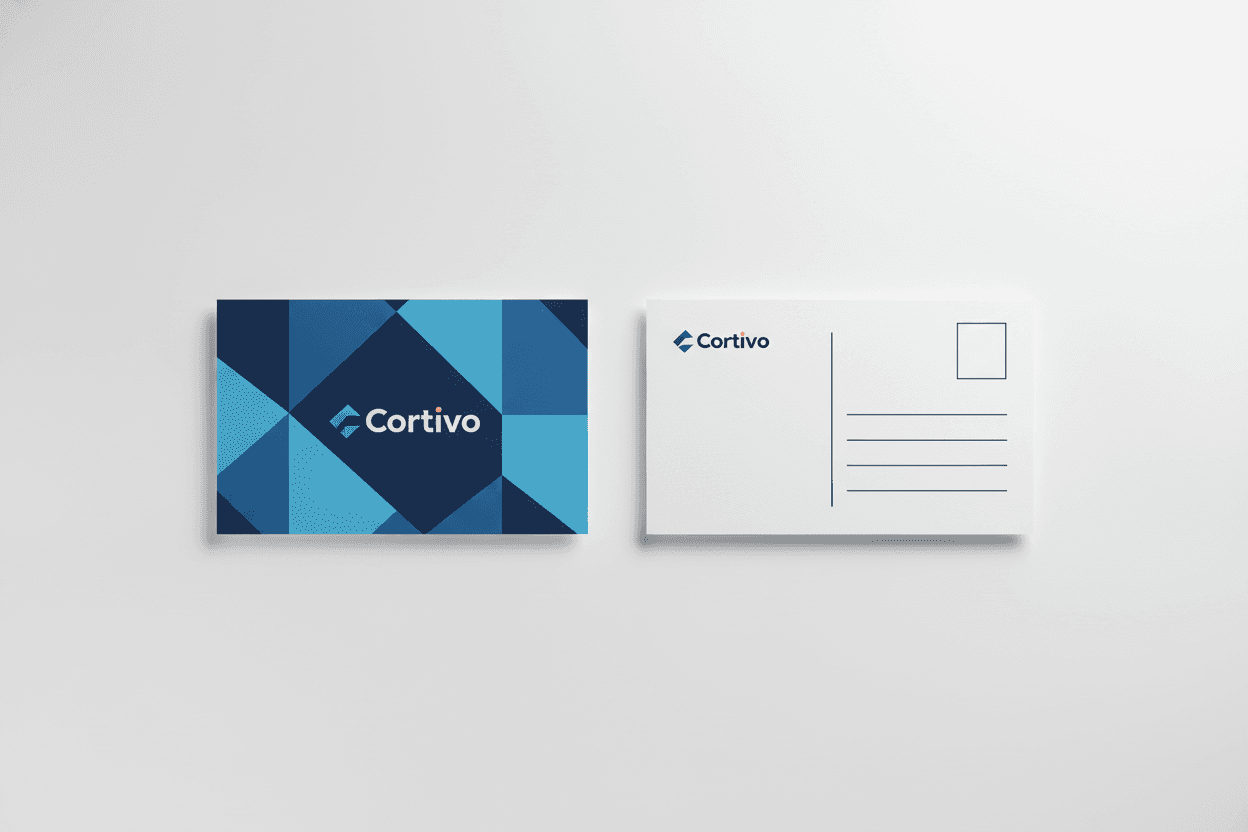
CMYK vs RGB: Why Print Colors Look Different On Screen
Quick answer: design and export print files in CMYK. RGB files are converted before printing, and the conversion can shift bright, saturated colors — especially vivid blues, greens and oranges — toward duller versions.
Two different ways of making color
RGB (red, green, blue) is additive: screens start black and add light. Its range includes neon-bright colors no ink can reproduce. CMYK (cyan, magenta, yellow, black) is subtractive: presses start with white paper and layer translucent inks that absorb light. Every commercial press — including ours — prints in CMYK.
What actually goes wrong
When an RGB file arrives at a press, it must be converted. Colors inside both ranges (most of them) convert cleanly. Colors outside the CMYK range get mapped to the nearest printable equivalent:
- Electric blue tends to drift purple.
- Neon green and bright orange flatten noticeably.
- Deep saturated reds hold up fairly well.
Converting to CMYK yourself before export lets you see and correct these shifts while you can still adjust the design.
Practical color tips
- Work in CMYK from the start for print projects (set the document color mode when you create the file).
- Rich black for large areas: 100% K alone prints as dark gray on large fills — use a rich black mix (for example C60 M40 Y40 K100) for backgrounds, but plain 100% K for small text so it stays crisp.
- Keep total ink coverage reasonable — extremely heavy ink builds can dry poorly on some stocks.
- Expect paper to matter: the same CMYK values look brighter on coated gloss stock than on uncoated or kraft paper. See our paper stock guide for how stocks change color rendering.
The safety net
Every PrintPacifica order includes a free digital proof before production, so an unconverted RGB file never goes straight to press. Full file requirements are in our artwork guidelines, and correctly configured templates are available for every product from postcards to banners.
Related articles
 Guides
Banner Material Guide: Vinyl, Blockout, Polyester & Canvas
Single-sided vinyl, double-sided blockout, polyester fabric or artist canvas? How to pick the right banner material for your event, store or trade show.
 Guides
Brochure Fold Guide: Half Fold, Tri-Fold, Z-Fold & Specialty Folds
Half fold, tri-fold or Z-fold? How each brochure fold reads, what it is best for, and how to set up panels and bleed correctly.
 Guides
Business Card Size Guide: Standard & Specialty Dimensions
The standard US business card is 3.5 x 2 inches — but squares, circles, minis and fold-overs can help you stand out. Here is every size, when to use it, and how to set up your file.